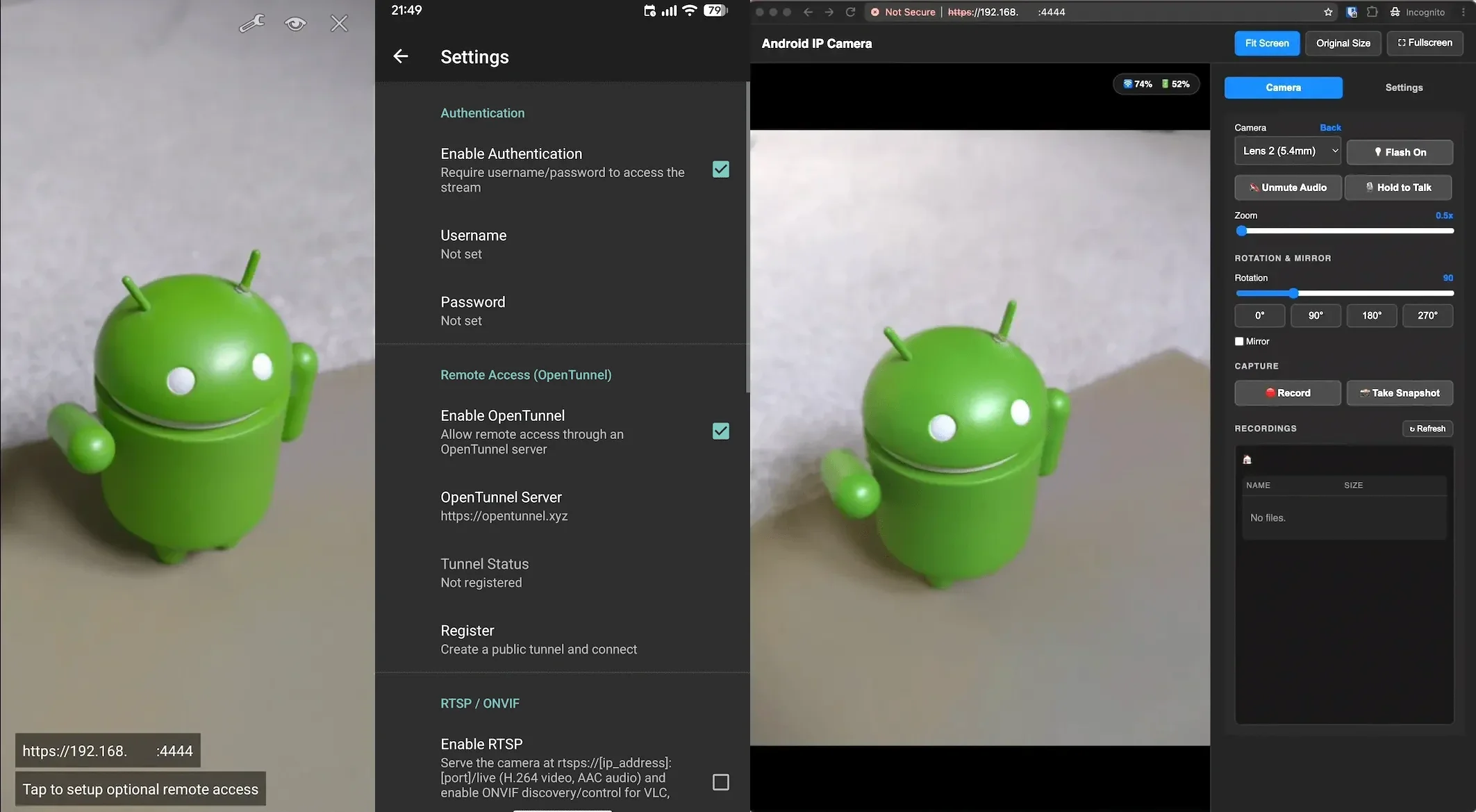
Everything in one app
A complete camera stack in your pocket
Streaming, recording, integrations and remote access run on the phone. Nothing is uploaded to a cloud service unless you choose to enable it.
Live in any browser
The phone runs its own web server. Open the stream in any browser, media player via H.264/MJPEG - no viewer app required.
See the feature list →RTSP & ONVIF
Serve a standards-based H.264/AAC stream and ONVIF camera profiles to Frigate, UniFi Protect, Home Assistant and NVRs.
Streaming options →Motion detection
Notify-only mode, automatic motion clips or continuous recording, with storage limits that delete the oldest footage first.
Recording API →Remote controls
Zoom, rotate, crop, switch lenses, toggle the torch and tune resolution, exposure, contrast and frame rate from the web UI.
Control reference →Secure by default
Username and password protection with one TLS certificate shared by the web, RTSP and ONVIF endpoints.
TLS setup →Remote access
Optionally publish the camera through a self-hosted OpenTunnel server, without opening a port on your router.
How OpenTunnel works →Watch from anywhere
Any browser. Any screen.
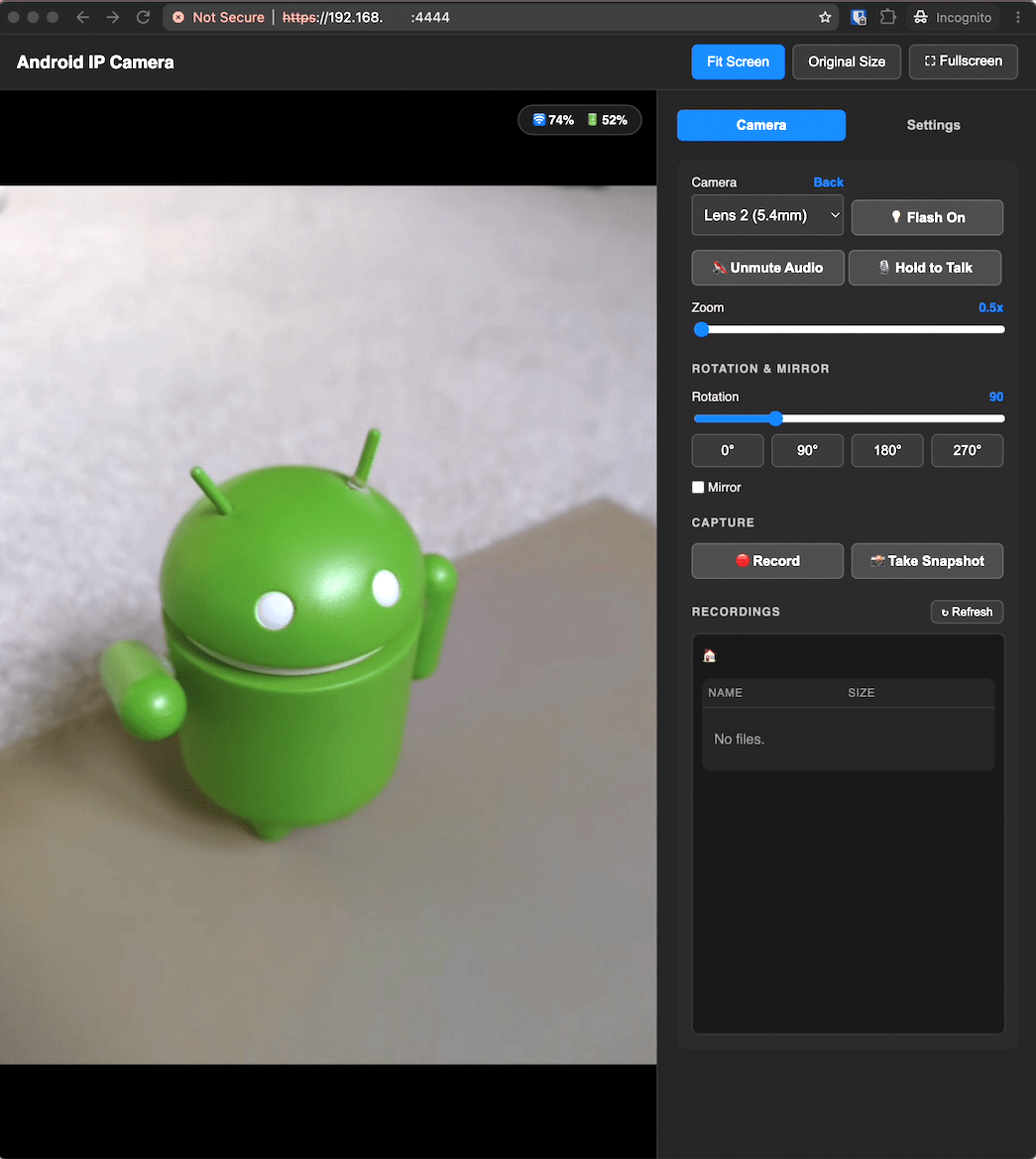
The camera serves a responsive control panel and a live MJPEG or H.264 stream directly from the phone. Watch it on a laptop, tablet or TV, or point your existing NVR at the RTSP endpoint.
- Live preview, snapshots and recordings in one page
- Push-to-talk, audio and torch controls
- Works with Frigate, Home Assistant, UniFi Protect and VLC
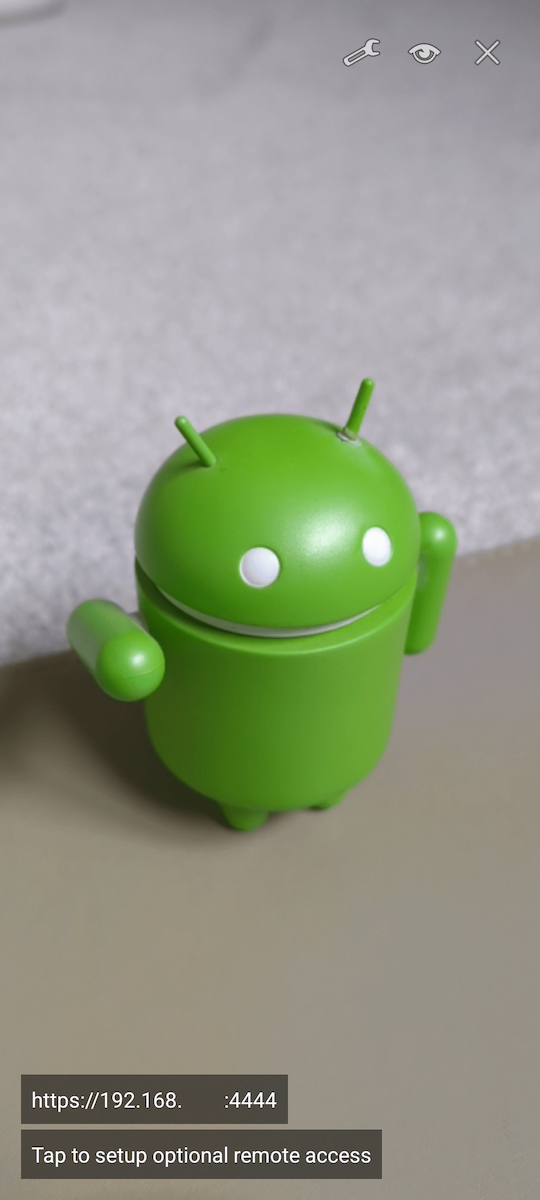
Full remote control
Tune the shot without touching the phone.
Switch between the main and selfie camera, crop the live image, adjust zoom and exposure, rotate or mirror the stream and record a clip - all from the browser.
- Resolution, frame rate and bitrate controls
- Night-sight mode on supported cameras
- Automatic TLS certificates for HTTPS and RTSPS
Built for 24/7
Leaving a phone plugged in at 100% for months can damage the battery. Use the 80% charge limit where available and keep an eye on temperature. The documentation covers background operation, boot startup and automatic updates.

Ready to put an old phone to work?
Install Android IP Camera from F-Droid, Obtainium or GitHub Releases, then open the address shown on the phone in your browser.