Getting Started


Turn your Android device into a remote security IP camera
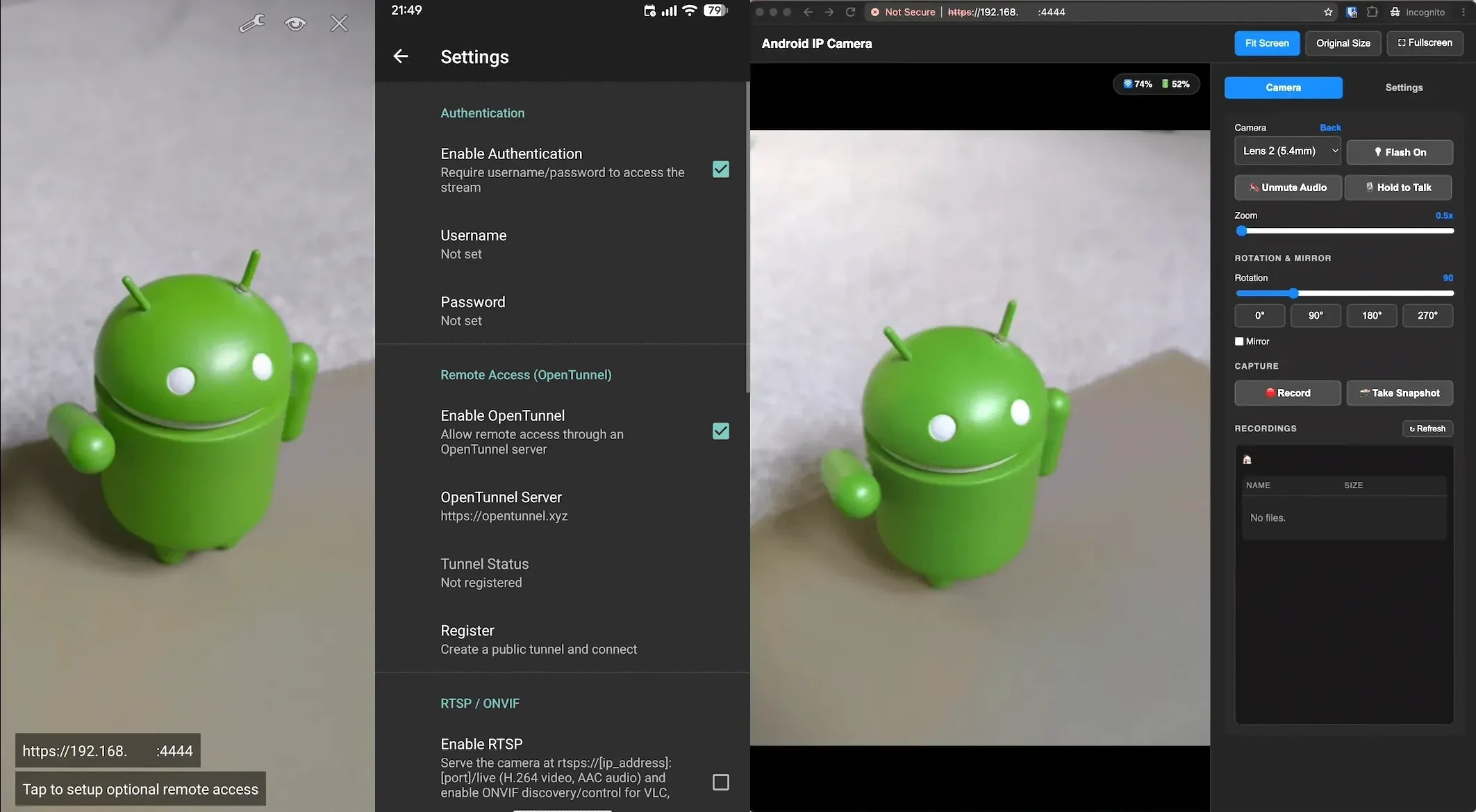
Install



Features
- 🌎 Built in server, just open the video stream in a web browser, video app or even set it as a camera for Frigate or a Home Assistant MJPEG IP Camera (using
https://[ip_address]:4444/video/mjpeg) - 📴 Option to turn the display off while streaming
- 📡 Optional RTSP stream (H.264 video + AAC audio) for mpv, Frigate/go2rtc, NVRs and other RTSP clients (using
rtsps://[ip_address]:8554/live, plus a lighter sub stream at/live/sub) - 🛰️ Optional ONVIF camera mode with WS-Discovery, snapshots and motion events for UniFi Protect, Home Assistant and other NVRs
- 🤳 Switch between the main or selfie camera
- 🏃➡️ Motion detection & notifications (via ONVIF), automatic recording on motion & continuous recording (with automatic deletion of old recordings)
- 🎛️ Remote web interface with controls for camera section, image rotation, manual video recording, audio/video sync, flash light toggle, resolution, zoom, exposure, contrast and optional GPU noise reduction
- 🌙 Night-sight mode: on phones with a astrophotography/night-sight photo mode, camera still photos are continually taken & are streamed as video
- ✂️ Crop the live stream (and snapshots) to a rectangle drawn over the preview; the crop is applied on the phone
- ☁️ Optionally connect your device to a hosted or self-hosted cloud OpenTunnel server for remote access when you're not on your home/work network
- 🖼️ Choose between different image quality settings and frame rates (to help reduce phone over heating)
- 🛂 Username and password protection
- 🔐 Automatic TLS certificate support to protect stream and login details via HTTPS/RTSPS
- 🥾 Optional start on boot
Warning
If you are planning to run this 24/7, please make sure that your phone does not stay at 100% charge. Doing so may damage the battery and cause it to swell up, which could cause it to explode.
Some models include an option to only charge to 80%, make sure this is enabled where possible.
Note: running at a higher image quality may cause some phones to over heat, which can also damage the battery.